
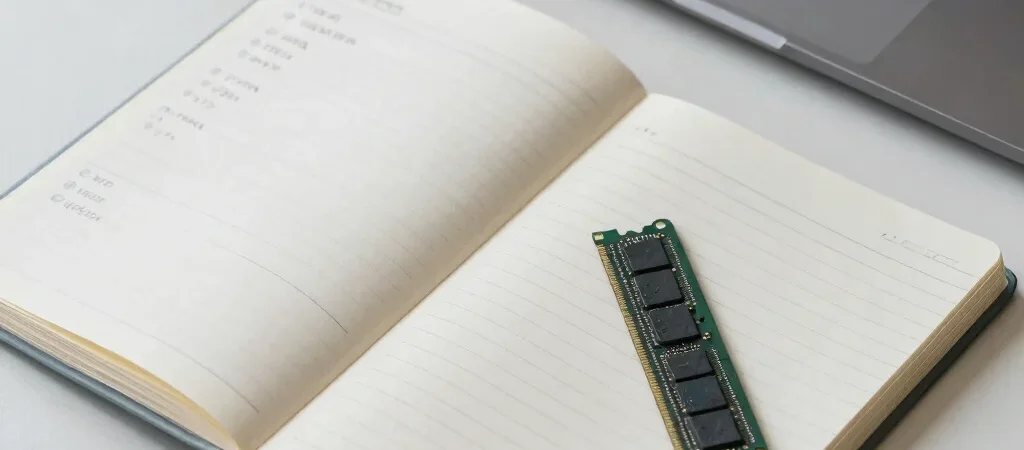
Your laptop has room for thousands of photos, yet it slows down when you open a video call, a document, and a dozen browser tabs. That can feel like a storage problem, but it may be a memory problem instead. RAM and storage both hold information, but they do different jobs.
RAM is the active workspace
RAM, short for random-access memory, holds information that your computer is using right now. Think of it as a desk: the open documents and tools you need are within reach. When you switch between apps, the computer uses RAM to keep their active work readily available.
RAM is temporary working memory, so its contents generally disappear when the computer shuts down. When many programs compete for a limited amount, the system has less room to keep active information ready. That is one reason a computer may respond more slowly under a heavy workload.
Storage keeps files for later
Storage is where files and applications stay when you are not actively using them. A solid-state drive, or SSD, is a common type of storage in modern computers; it keeps data when the computer is turned off. If RAM is the desk, storage is more like the filing cabinet.
The distinction is useful when comparing device specifications or troubleshooting. A nearly full drive means there is little room left for saved files and software, while limited RAM can become noticeable when many demanding apps are open at once. Before deciding which one is the issue, notice what you were doing when the slowdown began.