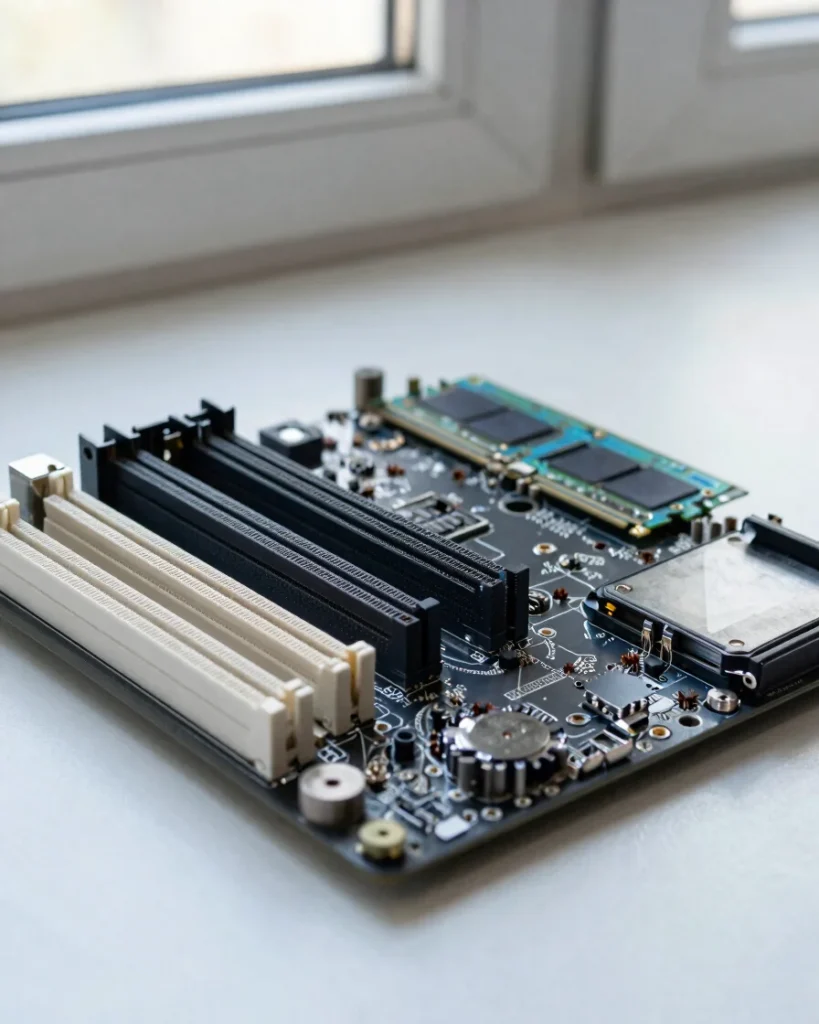
CPU, motherboard, RAM, and storage work as one system
The processor and motherboard start the machine and report early problems through POST codes and beep patterns. Memory must sit in the correct slots to be used, and storage health decides whether the system can boot and keep data safe.
When you know what each part is responsible for, a symptom points you toward the component that could cause it, instead of leaving you to guess.
The four-step protocol
Isolate the fault in four steps
01
Verify power
Confirm the PSU switch is on, the cables are fully seated, and the wall outlet works before blaming any component.
02
Check POST
Watch for the power-on self-test signal, such as a beep pattern or diagnostic LED, and note what it reports.
03
Swap test
Replace one suspect part at a time with a known-good one, such as RAM or a cable, to see whether the symptom moves.
04
Log results
Write down each change and its outcome so you can trace the cause and never repeat the same test by accident.